
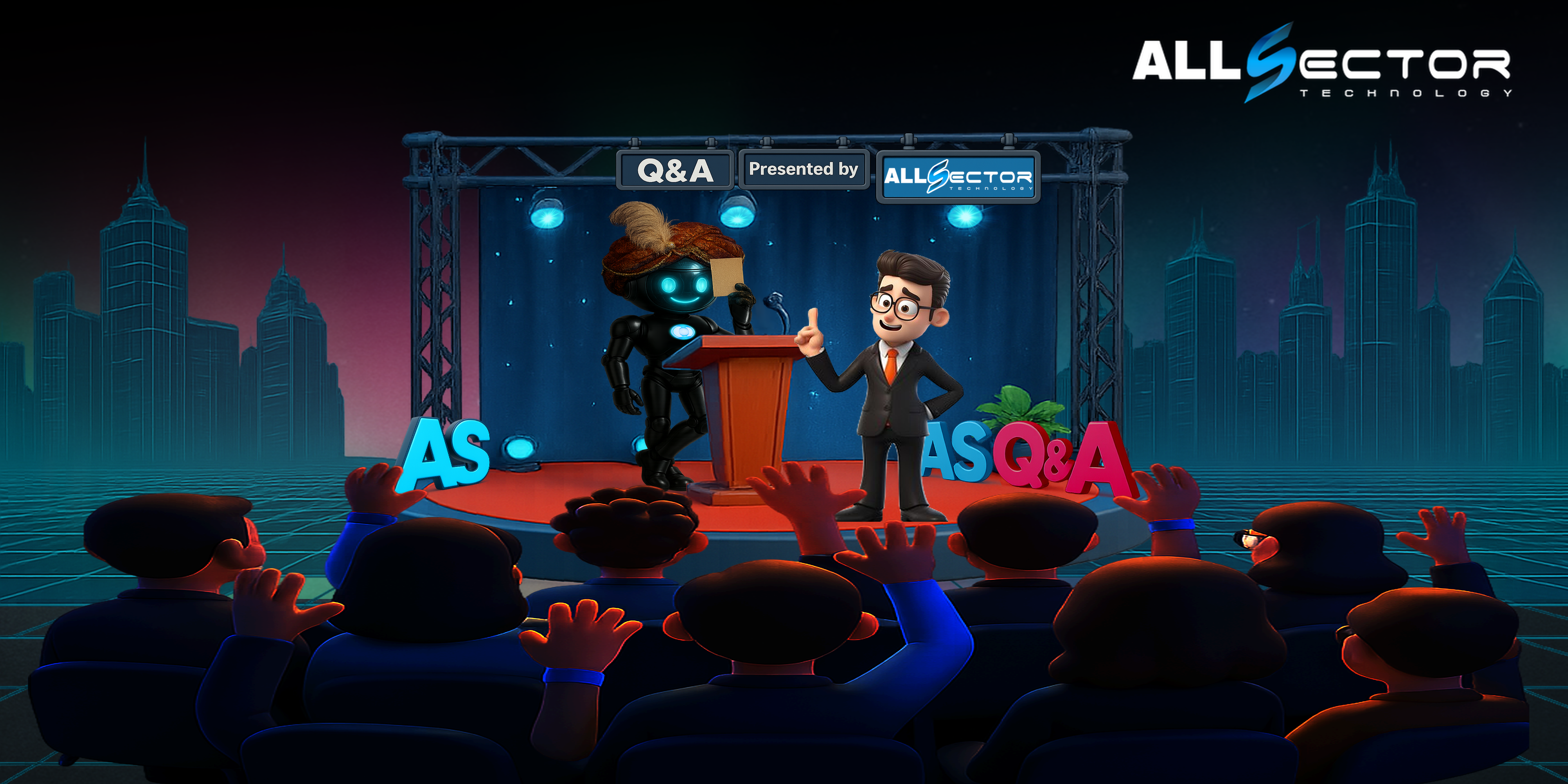


AI at Work: Practical Benefits, Real Risks, and a Safe Path Forward
AI is changing how we work—fast. It can summarize long documents in seconds, draft emails, analyze trends, and even automate routine IT tasks. But it can also introduce brand-new risks: bad answers, odd behavior, bias, compliance gaps, and operational fragility. This guide expands the most common questions leaders ask and offers a practical adoption playbook you can use right now.
 Where AI Helps (And Where It Trips Up)
Productivity lifts. AI can speed up research, create first drafts, summarize tickets and meetings, and surface patterns in operational data. For IT teams, it can assist with alert triage, knowledge-base lookups, and “copilot” scripting to reduce toil.
But AI can make mistakes. Large models sometimes “hallucinate” (confidently producing wrong info) or generate outputs that feel odd or off-brand. Treat AI like a powerful intern: useful, fast, but always needs review.
Reliability isn’t guaranteed. Models can go down, rate-limit, or change behavior after a vendor update. That’s why it’s critical to define service levels, fallbacks, and human-in-the-loop checkpoints—especially for customer-facing or safety-critical processes. For organizations that already rely on managed monitoring, help desk, and incident response, AI should plug into—not replace—those proven processes.
Can AI Be Biased?
Yes. Models learn from human-generated data—the good and the bad. That means outputs can reflect historical bias. Mitigation = thoughtful prompt design, review workflows, representative test sets, and strict policies about how AI is used in decisions that affect people (hiring, benefits, client eligibility). Keep “humans in charge of big decisions” by design.
Will AI Replace Jobs?
AI reshapes work more than it replaces it. Expect task automation (summaries, first drafts, lookups), not wholesale job loss—paired with demand for new skills: prompt design, toolchain orchestration, data governance, and vendor management. Smart teams redeploy saved time into higher-value work: security hardening, resilience, user training, and client experience.
A Safe AI Adoption Framework (What Good Looks Like)
Start with real use cases. Pick “low-risk, high-return” pilots: IT ticket summarization, SOP draft generation, reporting, and knowledge search. Tie each to a measurable KPI (resolution time, CSAT, hours saved).Data governance & access control. Classify data; prevent sensitive records (PHI/PII) from leaving governed systems. Use role-based access, log everything, and prefer vendors that offer data-processing agreements and no-training-on-your-data options.
Human-in-the-loop. Require review for external communications, analytics that inform policy or spend, and anything regulatory.
Validation & monitoring. Build checklists: accuracy spot-checks, bias tests, drift monitoring, and a rollback plan.
Security first. Treat AI like any cloud app: identity, least privilege, encryption, vendor risk review, and incident response readiness. If you already run security assessments, DR/BCP, and managed monitoring, extend those controls to your AI stack.
Examples You Can Pilot This Quarter
-
-
- Help desk copilot: AI drafts ticket summaries and suggested fixes that engineers review before sending.
- Knowledge assistant: Secure search across SOPs, network diagrams, and vendor docs to reduce “hunt time.”
- Reporting drafts: First-pass KPI narratives for boards or funders, reviewed by leadership for tone and accuracy.
- Grant/admin support for nonprofits: AI helps outline proposals and compile boilerplate, with strict red-team reviews to ensure facts and numbers are correct before submission. (Nonprofits operate under tight budgets and high reporting demands—process rigor matters.)
-
How AllSector Technology Helps
AllSector specializes in right-sized IT for SMBs and nonprofits—managed services, security, DR/BCP, infrastructure, help desk, and consulting. That foundation is exactly what safe AI needs: strong identity, monitoring, backups, incident response, and documented workflows. We can help you:
-
-
- Assess readiness: Security, compliance, data flows, and vendor risk—mapped to your sector.
- Harden the stack: Network, identity, endpoint, and backup/DR so AI adoption doesn’t expand your attack surface.
- Implement & monitor: Integrate AI into ticketing, documentation, and reporting with proactive monitoring and help desk support.
- Document controls: Policies, training, and evidence for auditors and funders. (Our roots in health & human services mean we build with compliance in mind.)
-
For nearly 20 years, we’ve served non-profits, SMBs through Enterprise organizations with an all-in approach—people, knowledge, and solutions—backed by managed services, security assessments, DR planning, and professional solutions and services that keep operations resilient while you modernize.
 Your 10-Point AI Launch Checklist
☐ Identify 2–3 pilot use cases with clear KPIs
☐ Define data-handling rules (what AI can/can’t see)
☐ Select vendors with strong security & compliance postures
☐ Enforce SSO/MFA, least privilege, and logging
☐ Create human-review steps for sensitive outputs
☐ Build test sets for accuracy and bias checks
☐ Extend incident response, backup, and DR to AI workflows
☐ Train staff (prompts, privacy, pitfalls)
☐ Track metrics; iterate or roll back
☐ Write it down (policy, SOPs, audit evidence)
Bottom line: AI is a force multiplier when deployed with governance, security, and human oversight. Start small, measure rigorously, and scale what works—on a foundation that’s already resilient.
Want help crafting a secure, compliant AI roadmap? Let’s start with a short assessment and a pilot that delivers measurable value within your existing managed services program.